· Atlanta Catering Events Team
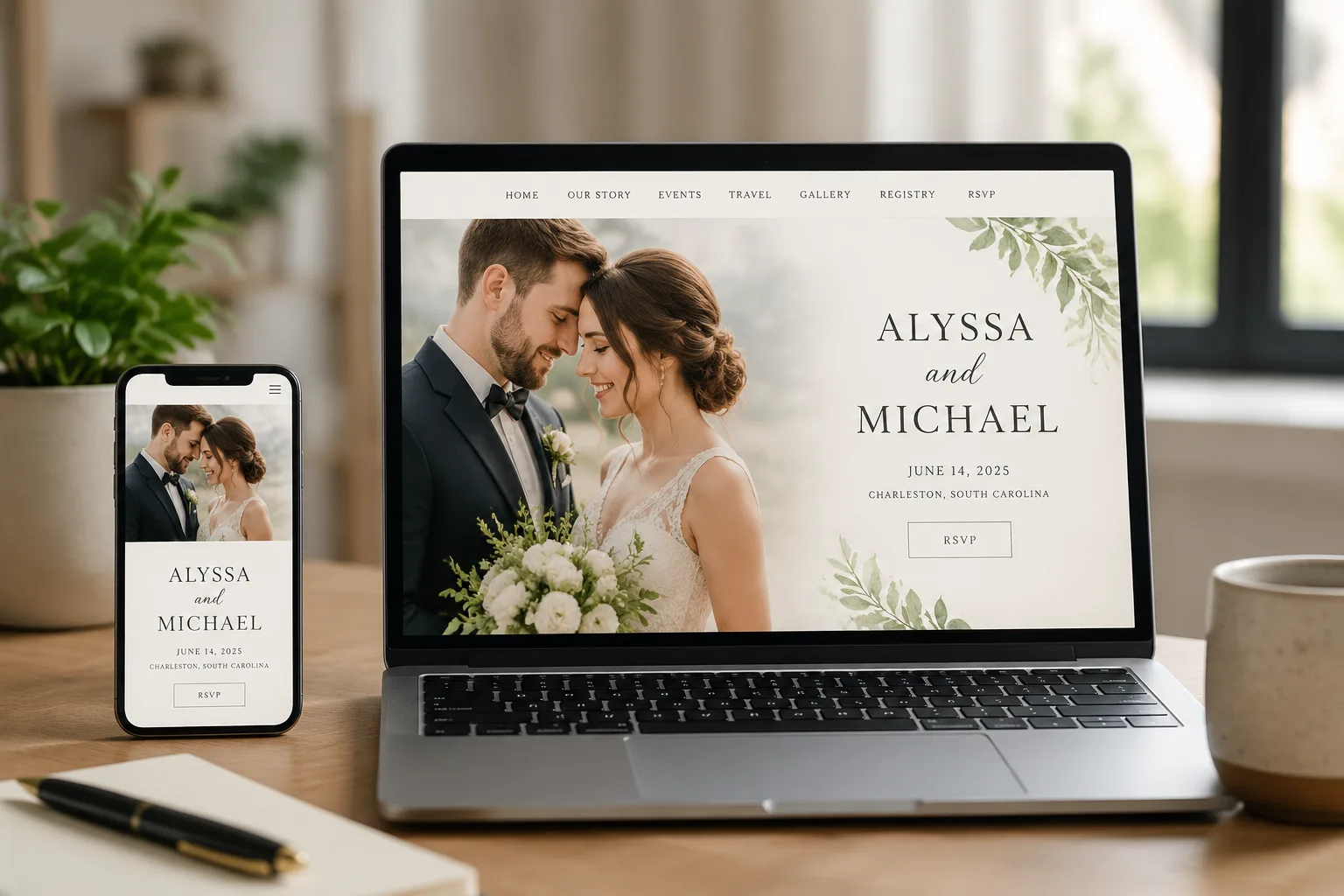
Wedding Website Guide: How to Build One Your Guests Will Love
A wedding website has become one of the first practical tools couples set up after getting engaged, and for good reason: it's a single place to answer the dozens of questions guests would otherwise text, call, or ask at the worst possible moment. Done well, it saves you time and keeps your guests informed. Done poorly, it becomes just another half-finished project. Here's how to build one that actually works.
Why Bother With a Wedding Website?
Before save-the-dates go out, a wedding website gives you a home base for logistics: date, location, schedule, accommodations, and RSVP. It also means you're not repeating the same answers to the same questions over and over as your wedding gets closer. Most modern wedding website platforms are free or low-cost and don't require any coding knowledge to set up.

What to Include
The Essentials
- Date and location: Ceremony and reception details, including addresses and start times.
- Schedule of events: If you have a welcome party, rehearsal dinner, or day-after brunch, list them with times so guests can plan.
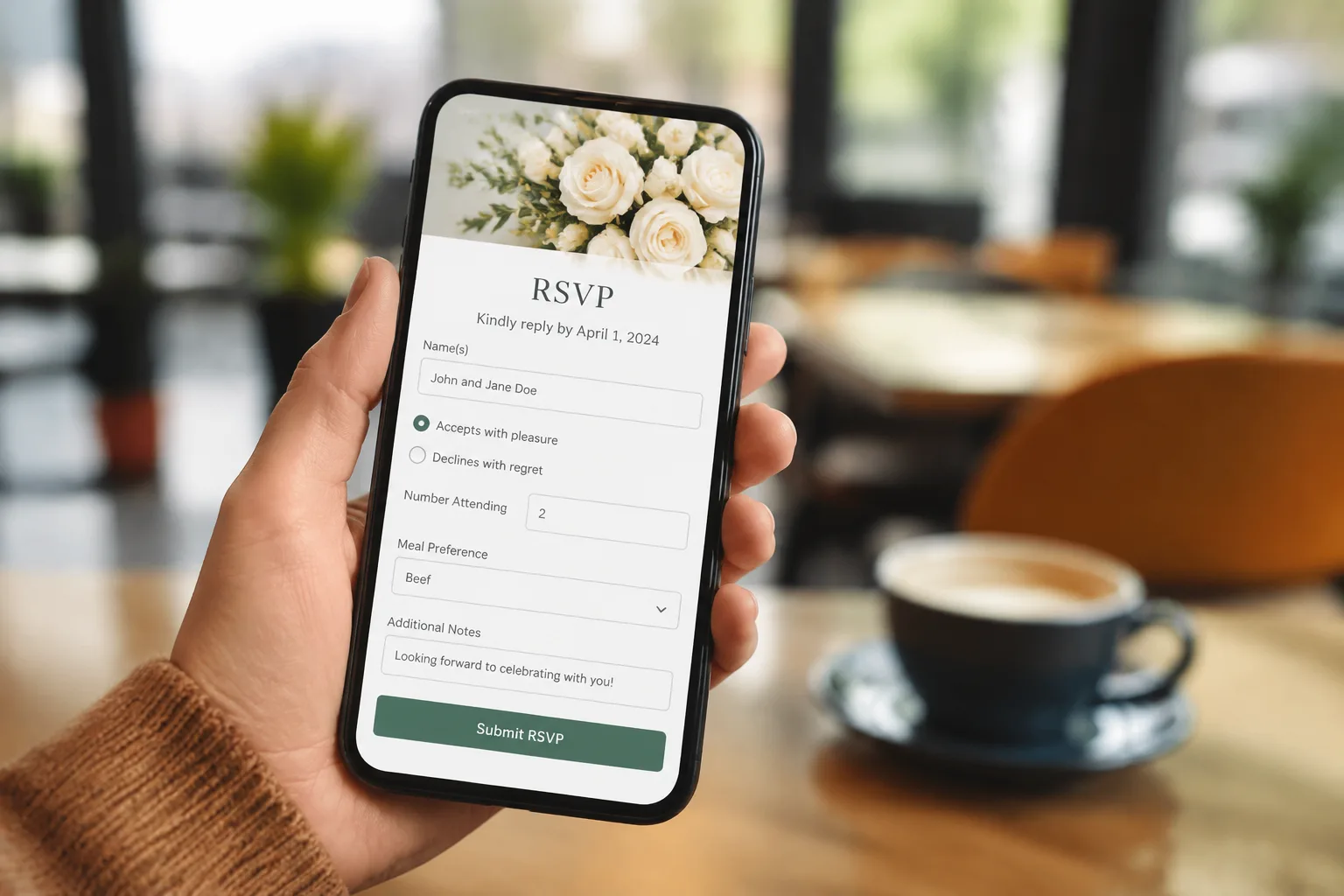
- RSVP system: A clear deadline and an easy way to respond, ideally with a spot to note dietary restrictions.
- Accommodations: Nearby hotel blocks or recommended lodging, especially important if a meaningful share of guests are traveling.
Nice-to-Haves
- Your story: A short, genuine account of how you met and got engaged. Guests generally enjoy this more than couples expect.
- Registry links: Consolidate registries from multiple stores into one page so guests aren't hunting across sites.
- Dress code guidance: Especially helpful if your venue or season calls for something specific, like an outdoor summer ceremony or a formal evening affair.
- FAQ section: Cover the questions you expect most — parking, plus-ones, kids at the wedding, weather contingency plans.
Setting Up Your RSVP Flow
Digital RSVPs are convenient, but they work best when paired with a clear deadline (typically three to four weeks before the wedding, to give your caterer an accurate final headcount) and a simple confirmation step so guests know their response went through. If you're also mailing physical invitations, decide upfront whether the website RSVP replaces or supplements a mail-in card, since mixing both without a clear system tends to create confusion and missed responses.
Privacy Considerations
Wedding websites are often public by default, meaning anyone with the link, or sometimes anyone who searches for it, can view your details. Most platforms offer a password-protection option. Consider using one if you'd rather not have your wedding date, location, and guest details fully public, particularly if you're sharing information like home addresses for a shower or shared registry.
Timing: When to Launch Your Site
- Right after getting engaged: A simple placeholder page announcing the engagement and save-the-date is enough to start.
- 4-6 months before the wedding: Add full details, including schedule, accommodations, and registry, before save-the-dates or invitations go out with the website link.
- Final weeks before the wedding: Update with any last-minute logistics: parking changes, weather plans, or updated shuttle schedules.
Common Mistakes to Avoid
- Burying the RSVP deadline. Make it visible and repeat it in more than one place on the site.
- Forgetting mobile guests. Most guests will view your site on a phone, so check that it's easy to read and navigate on a small screen.
- Leaving out dietary questions in the RSVP. This is one of the most useful pieces of information you can pass along to your caterer ahead of time.
- Letting the site go stale. If plans change, say a new hotel block or an updated schedule, update the site promptly rather than relying on word of mouth.
From Website to Wedding Day
Once your website and RSVPs are underway, the guest count and dietary information you collect becomes genuinely useful for vendor planning, especially for catering. If you're still finalizing your food and beverage plans, take a look at our guide to wedding reception timelines and traditions, or explore wedding catering in Atlanta directly. Ready to talk menu options? Contact us to start the conversation.
Frequently Asked Questions
Do I really need a wedding website?
It's not required, but it's become a standard, low-effort way to keep guests informed about logistics, reduce repetitive questions, and manage RSVPs in one place, especially for weddings with a significant number of out-of-town guests.
When should I launch my wedding website?
A simple version can go live right after you get engaged. Add full details (schedule, accommodations, and registry) a few months before invitations go out, since the link is often included with save-the-dates or invitations.
Should I password-protect my wedding website?
It's worth considering if you're sharing sensitive details like addresses or you'd prefer your wedding information not be publicly searchable. Most website platforms offer this as a simple toggle setting.
What RSVP deadline should I set?
A deadline three to four weeks before the wedding is common, giving you enough buffer to finalize your guest count with your caterer and venue before their final headcount deadlines.
Should I collect dietary restrictions through my website?
Yes, this is one of the most useful things you can build into your RSVP form. Having dietary information organized in one place makes it much easier to hand off accurate details to your caterer.
Can I use my wedding website instead of mailed invitations?
Some couples do, particularly for casual or smaller weddings, but many still send physical invitations for tradition and to reach guests who may not check a website. Whichever you choose, make sure the RSVP process is clear and not split across multiple systems.